Time
The time component represents a specific datetime or time duration.
Use s-time to wrap dates, times, or durations. The text between the opening and closing tags controls the display format. Add a machine-readable dateTime attribute so parsers and assistive technology can read the exact value.
Supported targets
- purchase.
checkout. actions. render-before - purchase.
checkout. block. render - purchase.
checkout. cart-line-item. render-after - purchase.
checkout. cart-line-list. render-after - purchase.
checkout. contact. render-after - purchase.
checkout. delivery-address. render-after - purchase.
checkout. delivery-address. render-before - purchase.
checkout. footer. render-after - purchase.
checkout. header. render-after - purchase.
checkout. payment-method-list. render-after - purchase.
checkout. payment-method-list. render-before - purchase.
checkout. pickup-location-list. render-after - purchase.
checkout. pickup-location-list. render-before - purchase.
checkout. pickup-location-option-item. render-after - purchase.
checkout. pickup-point-list. render-after - purchase.
checkout. pickup-point-list. render-before - purchase.
checkout. reductions. render-after - purchase.
checkout. reductions. render-before - purchase.
checkout. shipping-option-item. details. render - purchase.
checkout. shipping-option-item. render-after - purchase.
checkout. shipping-option-list. render-after - purchase.
checkout. shipping-option-list. render-before - purchase.
thank-you. announcement. render - purchase.
thank-you. block. render - purchase.
thank-you. cart-line-item. render-after - purchase.
thank-you. cart-line-list. render-after - purchase.
thank-you. customer-information. render-after - purchase.
thank-you. footer. render-after - purchase.
thank-you. header. render-after
Supported targets
- purchase.
checkout. actions. render-before - purchase.
checkout. block. render - purchase.
checkout. cart-line-item. render-after - purchase.
checkout. cart-line-list. render-after - purchase.
checkout. contact. render-after - purchase.
checkout. delivery-address. render-after - purchase.
checkout. delivery-address. render-before - purchase.
checkout. footer. render-after - purchase.
checkout. header. render-after - purchase.
checkout. payment-method-list. render-after - purchase.
checkout. payment-method-list. render-before - purchase.
checkout. pickup-location-list. render-after - purchase.
checkout. pickup-location-list. render-before - purchase.
checkout. pickup-location-option-item. render-after - purchase.
checkout. pickup-point-list. render-after - purchase.
checkout. pickup-point-list. render-before - purchase.
checkout. reductions. render-after - purchase.
checkout. reductions. render-before - purchase.
checkout. shipping-option-item. details. render - purchase.
checkout. shipping-option-item. render-after - purchase.
checkout. shipping-option-list. render-after - purchase.
checkout. shipping-option-list. render-before - purchase.
thank-you. announcement. render - purchase.
thank-you. block. render - purchase.
thank-you. cart-line-item. render-after - purchase.
thank-you. cart-line-list. render-after - purchase.
thank-you. customer-information. render-after - purchase.
thank-you. footer. render-after - purchase.
thank-you. header. render-after
Anchor to Use casesUse cases
- Order timestamps: Display the date and time an order was placed with machine-readable markup.
- Delivery estimates: Present estimated arrival dates alongside human-friendly labels.
- Pickup windows: Format same-day or scheduled pickup times for quick scanning.
Anchor to PropertiesProperties
Configure the following properties on the time component.
- Anchor to dateTimedate
Timedate Time stringstringDefault: ''Default: '' The machine-readable date and/or time value for the element. Use this to provide a datetime string that browsers, search engines, and assistive technologies can parse for improved semantics and functionality.
The value must be a valid datetime string, such as
2024-01-15,14:30, or.- Anchor to idididstringstring
A unique identifier for the element. Use this to reference the element in JavaScript, link labels to form controls, or target specific elements for styling or scripting.
Anchor to ExamplesExamples
Anchor to Show a date with a machine-readable labelShow a date with a machine-readable label
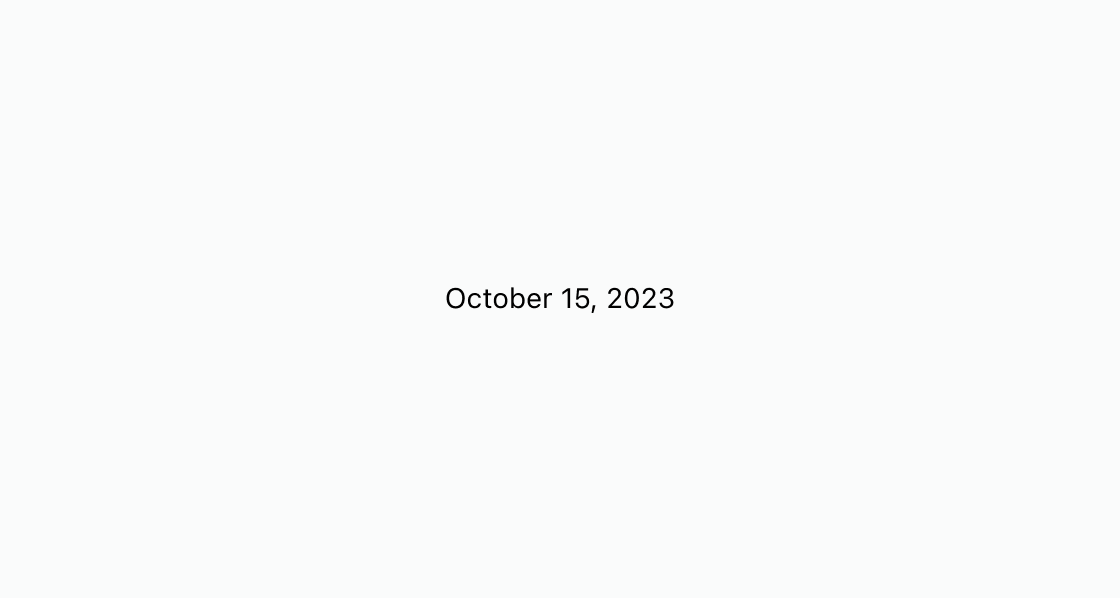
Format a date for display with human-friendly text and machine-readable markup. This example renders an s-time element with a dateTime attribute for accessibility and a formatted date string.
Show a date with a machine-readable label
html
Anchor to Display a date alongside textDisplay a date alongside text
Combine a short label with the date buyers care about most. This example uses s-time with dateTime for a parseable delivery estimate and readable surface text.
html
Anchor to Best practicesBest practices
- Always set dateTime: Provide a valid ISO 8601
dateTimeattribute so assistive technology and search engines can parse the value. - Use human-friendly display text: Write the visible text in a format buyers expect, such as "October 15, 2026" or "Today, 2:00 PM."
- Include timezone context: When the time is relative to a location, mention the timezone or use UTC to avoid ambiguity.
- Keep formatting consistent: Use the same date and time format across your extension so buyers don't have to interpret multiple styles.