Abbreviation
The abbreviation component displays abbreviated text or acronyms, revealing their full meaning or additional context through a tooltip on hover or focus.
Use to clarify shortened terms, initialisms, or technical language without interrupting the reading flow.
Supported targets
- purchase.
checkout. actions. render-before - purchase.
checkout. block. render - purchase.
checkout. cart-line-item. render-after - purchase.
checkout. cart-line-list. render-after - purchase.
checkout. contact. render-after - purchase.
checkout. delivery-address. render-after - purchase.
checkout. delivery-address. render-before - purchase.
checkout. footer. render-after - purchase.
checkout. header. render-after - purchase.
checkout. payment-method-list. render-after - purchase.
checkout. payment-method-list. render-before - purchase.
checkout. pickup-location-list. render-after - purchase.
checkout. pickup-location-list. render-before - purchase.
checkout. pickup-location-option-item. render-after - purchase.
checkout. pickup-point-list. render-after - purchase.
checkout. pickup-point-list. render-before - purchase.
checkout. reductions. render-after - purchase.
checkout. reductions. render-before - purchase.
checkout. shipping-option-item. details. render - purchase.
checkout. shipping-option-item. render-after - purchase.
checkout. shipping-option-list. render-after - purchase.
checkout. shipping-option-list. render-before - purchase.
thank-you. announcement. render - purchase.
thank-you. block. render - purchase.
thank-you. cart-line-item. render-after - purchase.
thank-you. cart-line-list. render-after - purchase.
thank-you. customer-information. render-after - purchase.
thank-you. footer. render-after - purchase.
thank-you. header. render-after
Supported targets
- purchase.
checkout. actions. render-before - purchase.
checkout. block. render - purchase.
checkout. cart-line-item. render-after - purchase.
checkout. cart-line-list. render-after - purchase.
checkout. contact. render-after - purchase.
checkout. delivery-address. render-after - purchase.
checkout. delivery-address. render-before - purchase.
checkout. footer. render-after - purchase.
checkout. header. render-after - purchase.
checkout. payment-method-list. render-after - purchase.
checkout. payment-method-list. render-before - purchase.
checkout. pickup-location-list. render-after - purchase.
checkout. pickup-location-list. render-before - purchase.
checkout. pickup-location-option-item. render-after - purchase.
checkout. pickup-point-list. render-after - purchase.
checkout. pickup-point-list. render-before - purchase.
checkout. reductions. render-after - purchase.
checkout. reductions. render-before - purchase.
checkout. shipping-option-item. details. render - purchase.
checkout. shipping-option-item. render-after - purchase.
checkout. shipping-option-list. render-after - purchase.
checkout. shipping-option-list. render-before - purchase.
thank-you. announcement. render - purchase.
thank-you. block. render - purchase.
thank-you. cart-line-item. render-after - purchase.
thank-you. cart-line-list. render-after - purchase.
thank-you. customer-information. render-after - purchase.
thank-you. footer. render-after - purchase.
thank-you. header. render-after
Anchor to Use casesUse cases
- Currency codes: Expand abbreviated currency codes like USD, EUR, or GBP so buyers understand the exact currency.
- Shipping terms: Clarify shipping acronyms like DDP, FOB, or EXW that buyers might not recognize.
- Product identifiers: Define shortened product codes or internal references that appear in order details.
- Technical specifications: Spell out unfamiliar acronyms or technical abbreviations that buyers might not recognize.
Anchor to PropertiesProperties
Configure the following properties on the abbreviation component.
- Anchor to idididstringstring
A unique identifier for the element. Use this to reference the element in JavaScript, link labels to form controls, or target specific elements for styling or scripting.
- Anchor to titletitletitlestringstringDefault: ''Default: ''
Defines the full expansion of the abbreviation or acronym. Helps user agents and users understand the meaning of the abbreviated text.
Learn more about the abbreviation element.
Anchor to ExamplesExamples
Anchor to Display an abbreviationDisplay an abbreviation
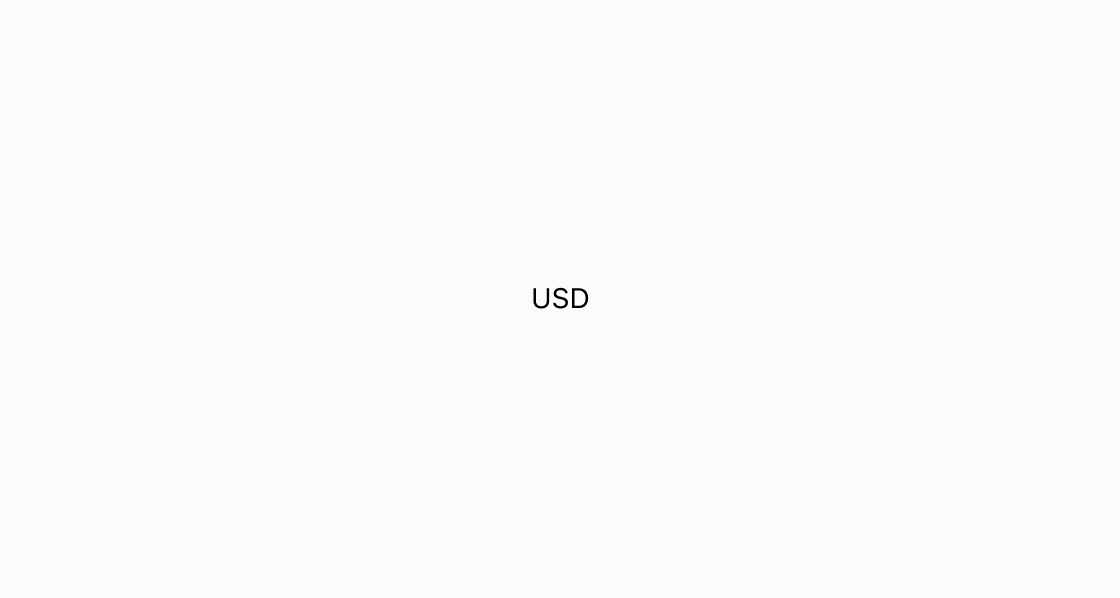
Define a currency abbreviation with a full-text expansion on hover. This example displays USD inside an s-abbreviation element with the title attribute set to "United States Dollar".
Display an abbreviation
html
Anchor to Best practicesBest practices
- Set a descriptive title: Provide a
titleattribute that spells out the full term so hover and buyers using assistive technology get the expanded meaning. - Use for genuine abbreviations only: Reserve
s-abbreviationfor shortened terms, acronyms, or initialisms, not for general tooltips. - Skip widely recognized terms: Don't expand familiar abbreviations like URL, HTML, or ft. Expanding these adds noise rather than clarity.
- Keep abbreviation text short: Limit the visible text to the actual abbreviated form so the tooltip provides real added value.